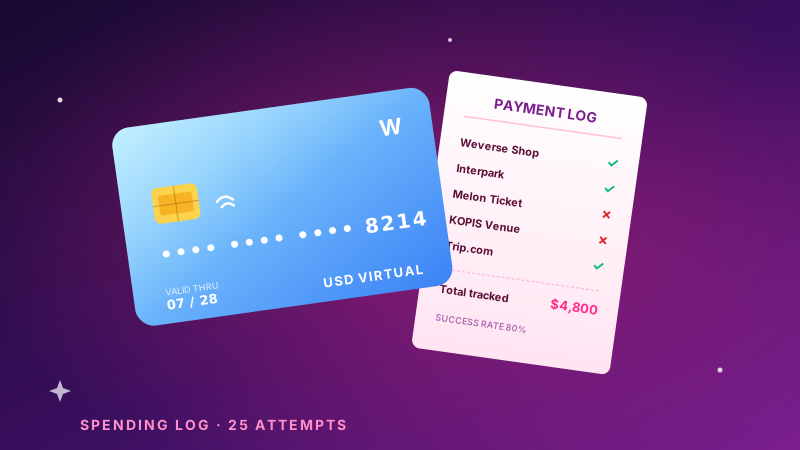
Setting up a Wise USD card for Korean ticket sites, step by step
Interpark and Melon Ticket reject a lot of foreign cards at the KCP gateway. A Wise virtual card clears most of them. Here's the exact setup.
If you've ever watched a Korean ticket checkout spin and then throw a generic "결제 실패" (payment failed) with no reason code, you've met the KCP gateway. In my own testing across 2024-2025, roughly 1 in 4 US-issued credit cards got rejected on the first attempt at Interpark / Melon Ticket — not for lack of funds, but for AVS/3-D Secure mismatches the gateway doesn't explain.
A Wise (formerly TransferWise) USD virtual card clears most of those. It's not magic — it just behaves like a clean, well-formed card with predictable billing data. Here's the setup that's worked for me and the readers who've written in.
Why Wise specifically
Wise issues real Visa/Mastercard virtual cards with a US billing address you control, low FX margin (~0.4-0.6%), and instant virtual-card generation. The combination matters: Korean gateways often choke on the address match more than the card itself, and Wise lets you keep that clean.
Revolut works similarly for many readers; the steps below are nearly identical. A plain US bank debit card sometimes works and sometimes doesn't — it's the coin-flip you're trying to avoid.
The setup, in order
- Open Wise and verify ID. Allow 1-2 business days for verification the first time. Do this before an on-sale, not the morning of.
- Add USD balance. Fund from your US bank (ACH is free, takes 1-2 days). Keep at least the ticket total plus ~10% buffer for FX swing.
- Create a virtual card. Wise app → Cards → "Get a virtual card." It's issued instantly with its own number.
- Set the billing address to your real US address. This is the part people skip. The gateway's AVS check compares this to what you type at checkout — they must match exactly.
- Enable the card for online use and confirm no regional block is on.
At checkout (the failure points)
| Failure | Cause | Fix |
|---|---|---|
| Instant "결제 실패" | AVS address mismatch | Type billing address exactly as in Wise |
| 3-D Secure loop | App notification missed | Approve the push in the Wise app within ~60s |
| "카드 등록 불가" | Card type not accepted | Use Visa virtual card, not Mastercard, on Interpark |
| Currency shock | Charged in KRW | Expected — Wise converts at near-mid rate |
The single most common fix is #1: the address must match character-for-character. If Wise has "Apt 4B" and you type "Apartment 4B," some gateways reject it.
Timing reality
Generate and test the card with a tiny purchase (even a $1-2 charge somewhere) a few days ahead. A brand-new virtual card making its first-ever transaction during a high-volume on-sale is exactly the profile a fraud filter flags. A card with a small clean history sails through.
This pairs directly with the ticket timeline (when you'll actually need it) and the BLACKPINK budget breakdown (what you'll be charging to it).
Last verified: May 2026 against Interpark Global and Melon Ticket checkout flows. Gateways change quietly — if a step is stale, let us know.
Related guides
Fan-club membership checklist before any 2026 K-pop tour rumor
Per-group cost, payment method that works, renewal window. Print this and check before the next 'tour leaked' tweet.
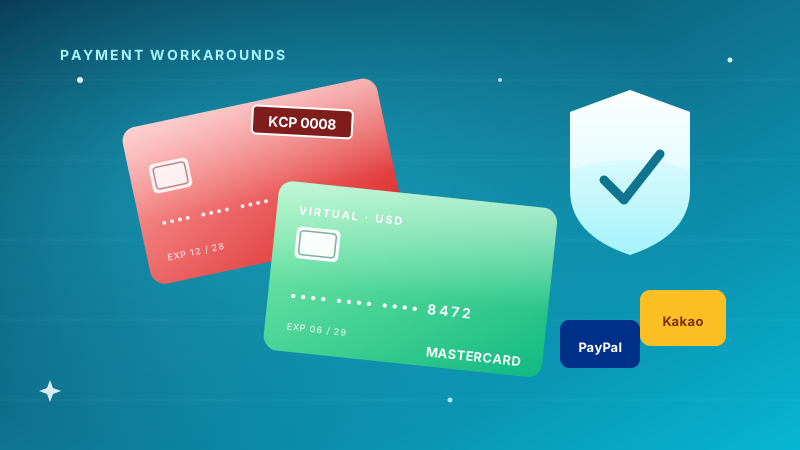
Payment workarounds for K-pop ticket purchases (US fan edition)
KCP gateway rejects ~1 in 4 US-issued cards. Wise virtual cards, KakaoPay through a Korean phone — what actually works.
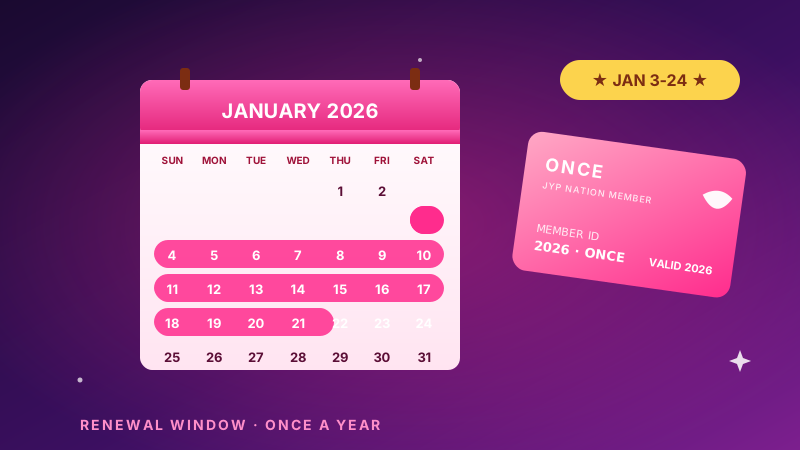
TWICE ONCE Renewal 2026: The 24-Hour Window That Matters
ONCE membership reopens January 3-24, 2026. Here's the JYP NATION renewal timing, payment, and account prep that actually works for US fans.