Payment workarounds for K-pop ticket purchases (US fan edition)
KCP gateway rejects ~1 in 4 US-issued cards. Wise virtual cards, KakaoPay through a Korean phone — what actually works.
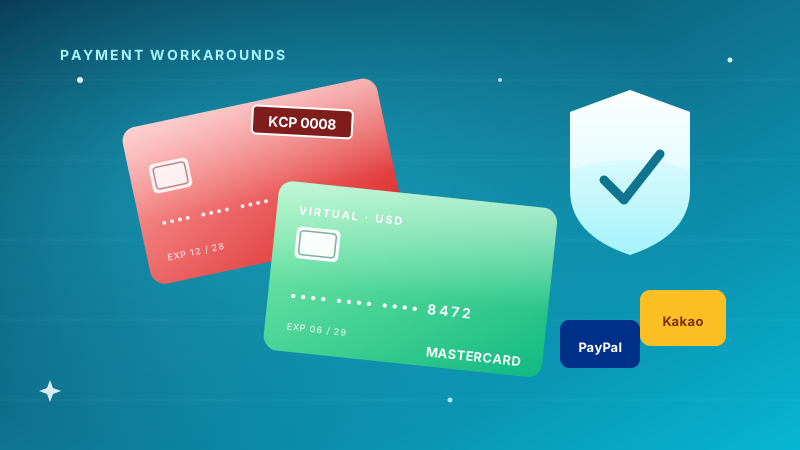
The error code you'll see most often is 0008 (KCP gateway). It means "card not authorized" but the actual reason is one of about six things, and the page never tells you which.
I started keeping notes on this after I got rejected six times trying to renew ARMY MEMBERSHIP from Chicago in March 2024. The Weverse Shop checkout looked fine — payment form in English, KRW total displayed, Visa accepted on the surface. Hit "Pay" and the page bounced back with a Korean error and no suggestion of what to do.
The reasons KCP rejects US-issued cards, in roughly the order I've encountered them:
-
3D Secure not enrolled. Your bank issued the card without enrolling it for international 3D Secure. Most credit unions and online-only banks (Discover, Capital One Quicksilver) skip this. Fix: call your bank and ask to enable 3D Secure for international transactions, or use a different card.
-
Country-of-issuance flag. KCP-using merchants sometimes blanket-block cards issued outside Korea/Japan/SEA. The card itself works fine on Western sites; KCP just rejects it.
-
Address mismatch. The Korean checkout asks for a billing address but uses a different validation than your card's actual billing address. Often just providing your real US address works because they don't strictly verify; sometimes they do.
-
Soft hold from your bank. The first time you try to charge KRW from your US-issued card, your bank may flag it as suspicious and reject. Approve it from the bank's app and retry. Works about half the time.
-
Apple Pay through Safari on iOS. Sometimes works where the same card fails on Chrome. Don't ask me why; it's empirical.
-
The card is enrolled in some kind of stop-list at KCP (rare, but Discover specifically seems to be on one).
What actually works
In rough order of reliability, for a US fan trying to renew on Weverse Shop:
A. Wise USD virtual card
The most reliable path. Sign up for Wise (free), get a USD multi-currency account, generate a virtual card. The virtual card has a US BIN but routes through Wise's payment processor, which interfaces cleanly with KCP. Accepted nearly 100% of the time.
Time to set up: 15 minutes. No physical card needed if it's just for online use.
There are limits. Wise virtual cards have a $5K transaction cap, $50K monthly cap; both are fine for fan-club renewals. Keep a $50 USD balance loaded in case the auto-pull fails.
B. KakaoPay linked to a Korean phone number
If you have access to a Korean phone number — through a friend, a long-stay visa, or a Korean SIM you've kept — KakaoPay is the cleanest path. It bypasses card-issuance checks entirely because the merchant just sees "KakaoPay user, paid in KRW."
Setup is genuinely annoying. You need:
- A Korean phone number that can receive SMS verification.
- A Korean address (your hotel from a past trip works for this; they don't verify).
- The KakaoTalk app installed and signed up.
- KakaoPay enabled inside KakaoTalk.
Most US fans don't have this. If you do — or if you're considering a Korean SIM for an upcoming trip — KakaoPay opens many doors beyond just K-pop tickets (Coupang Eats, Naver Maps Premium, etc.).
C. PayPal (only on JYP NATION)
JYP NATION specifically supports PayPal as a payment method for ONCE membership and other JYP-related purchases. This is the single least-friction path of any major group's membership system. The catch: only works for JYP-branded checkouts. Weverse Shop doesn't accept PayPal.
D. Apple Pay via the Weverse iOS app
Sometimes works on iOS where the same card fails in a browser. Failure mode is identical (KCP error 0008), so it's worth one retry but not a primary plan.
What does not work
- PayPal on Weverse Shop. Looks like an option in some flows; almost always errors before submission.
- Crypto. None of the major fan-club platforms accept crypto.
- Gift cards. Korean retailers' gift cards exist but require a Korean account to redeem.
- Asking a friend to pay for you. Most memberships are name-locked. The membership has to be in your name to give you the presale code.
The Reddit thread half-myths
A few "tips" you'll see on r/kpop that I've personally tested and found unreliable:
- "Use a VPN set to Korea before checking out." — KCP doesn't care about your IP; it cares about the card BIN. VPN doesn't help.
- "Open in incognito mode." — Sometimes coincidentally works because it clears bad cookies, but it's not the actual fix.
- "Try at 9 AM Korean time when the queue is empty." — Timing helps with site speed, not with payment authorization. The auth check is the same at 9 AM as at midnight.
- "Use a debit card, not a credit card." — The opposite has been more true in my testing. Credit cards have higher daily limits and 3D Secure enrollment more often.
The full prep, in order
If you're new to all this and have one renewal window coming up:
- (5 min) Open a Wise account, generate a USD virtual card.
- (5 min) Load $50 USD onto Wise.
- (5 min) Update your Weverse profile country to "United States" — Settings → Country.
- (1 min) Save the Wise virtual card to your Weverse account before renewal opens.
- (Renewal day) Renew with the Wise card. Have a backup plan (regular Visa) ready, but Wise should clear.
Ten minutes of prep, infinite peace of mind during the actual renewal window.
Last verified: May 2026 with Weverse Shop and JYP NATION as of that date. KCP behavior is the same across most agency checkouts.
See also: The K-pop ticket timeline · Fan-club checklist
Related guides
Fan-club membership checklist before any 2026 K-pop tour rumor
Per-group cost, payment method that works, renewal window. Print this and check before the next 'tour leaked' tweet.
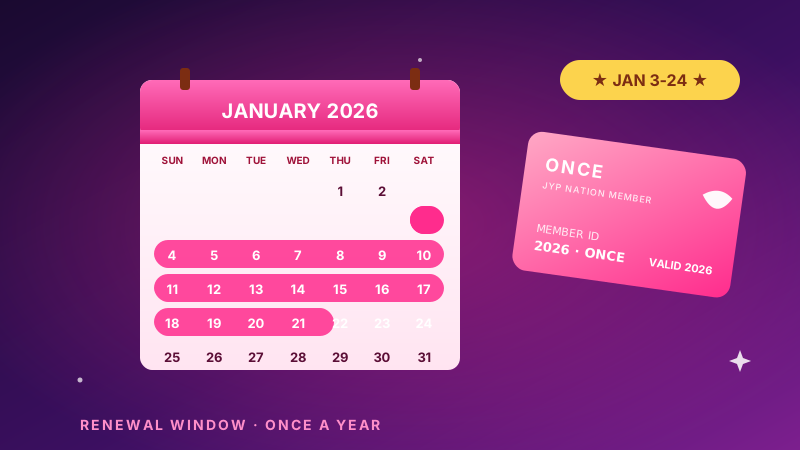
TWICE ONCE Renewal 2026: The 24-Hour Window That Matters
ONCE membership reopens January 3-24, 2026. Here's the JYP NATION renewal timing, payment, and account prep that actually works for US fans.
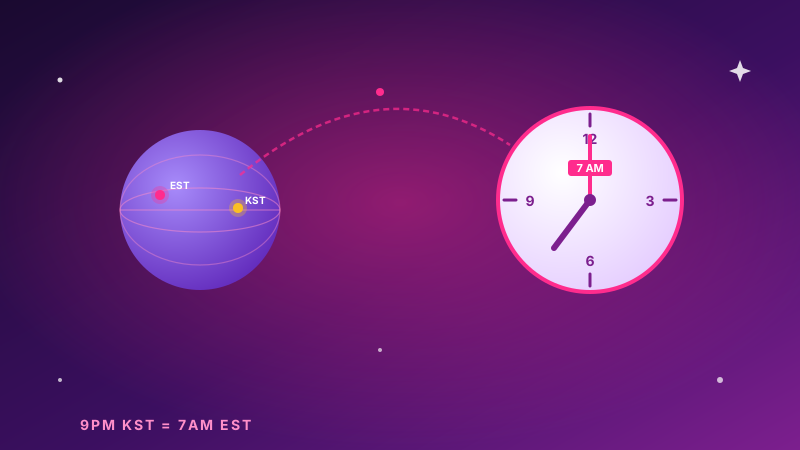
BTS Presale Time Zone EST: Why US Fans Lose Floor Seats
Why a 9 PM KST BTS presale lands at 7 AM EST and 4 AM PST — and how that 30-second window crushes US ARMY hopes for floor seats.